
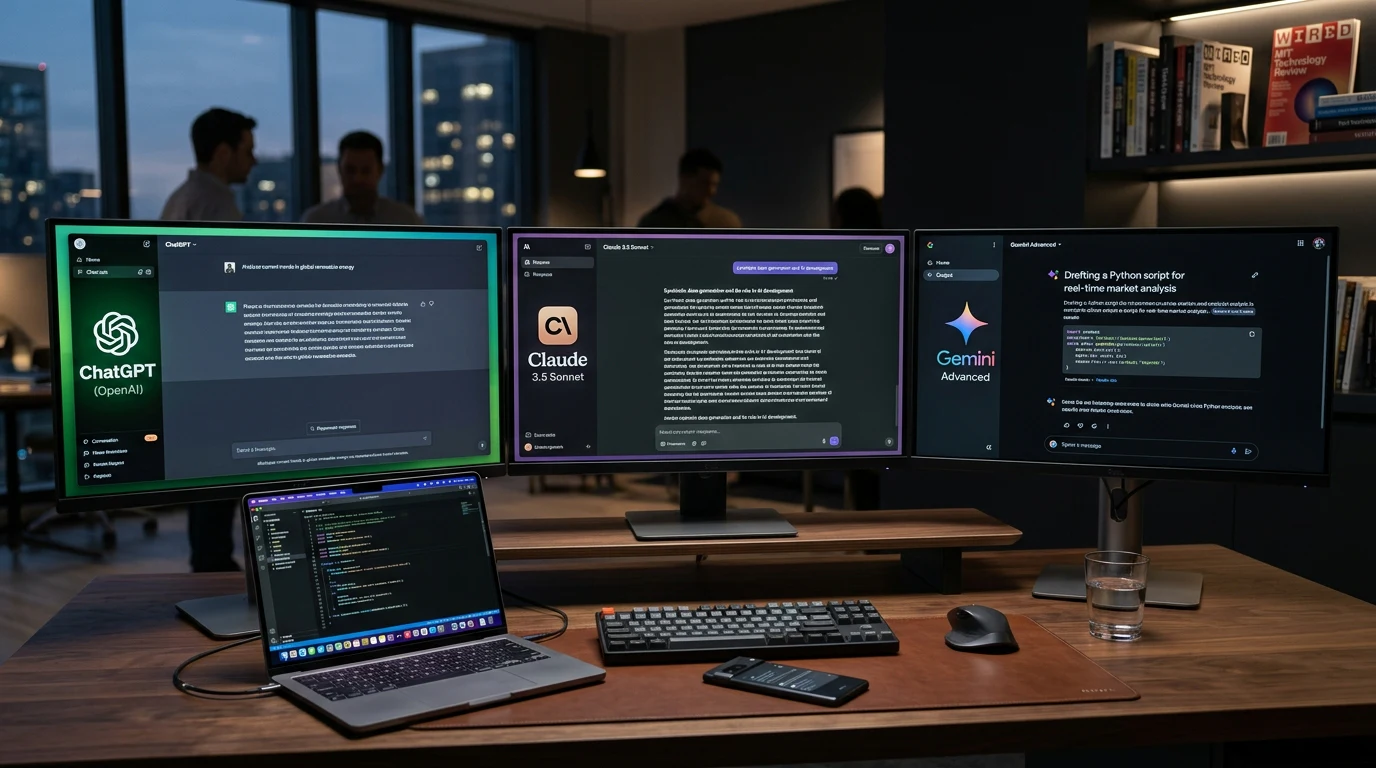
ChatGPT vs Claude vs Gemini: Which Is the Best AI Assistant in 2026?
Picking an AI assistant in 2026 shouldn’t feel like picking a phone carrier — confusing plans, overlapping features, and marketing pages that all claim to be “the most advanced AI ever built.”
But that’s exactly where most people land when they try to choose between ChatGPT vs Claude vs Gemini
. All three are genuinely excellent. All three have loyal power users who swear theirs is best. And all three have real, specific weaknesses that their marketing pages conveniently leave out.
The honest answer to “which one is best” is: it depends entirely on what you’re using it for. A developer debugging a large codebase has different needs than a student summarizing a textbook chapter, and a marketer drafting ad copy has different needs than a researcher fact-checking a claim.
This comparison is built around that reality. Instead of declaring one universal winner, we tested all three assistants against the same real-world tasks — writing, coding, research, business planning, and more — and we’re telling you honestly where each one pulled ahead, where each one stumbled, and which one fits your specific workflow best.
Quick Answer Box
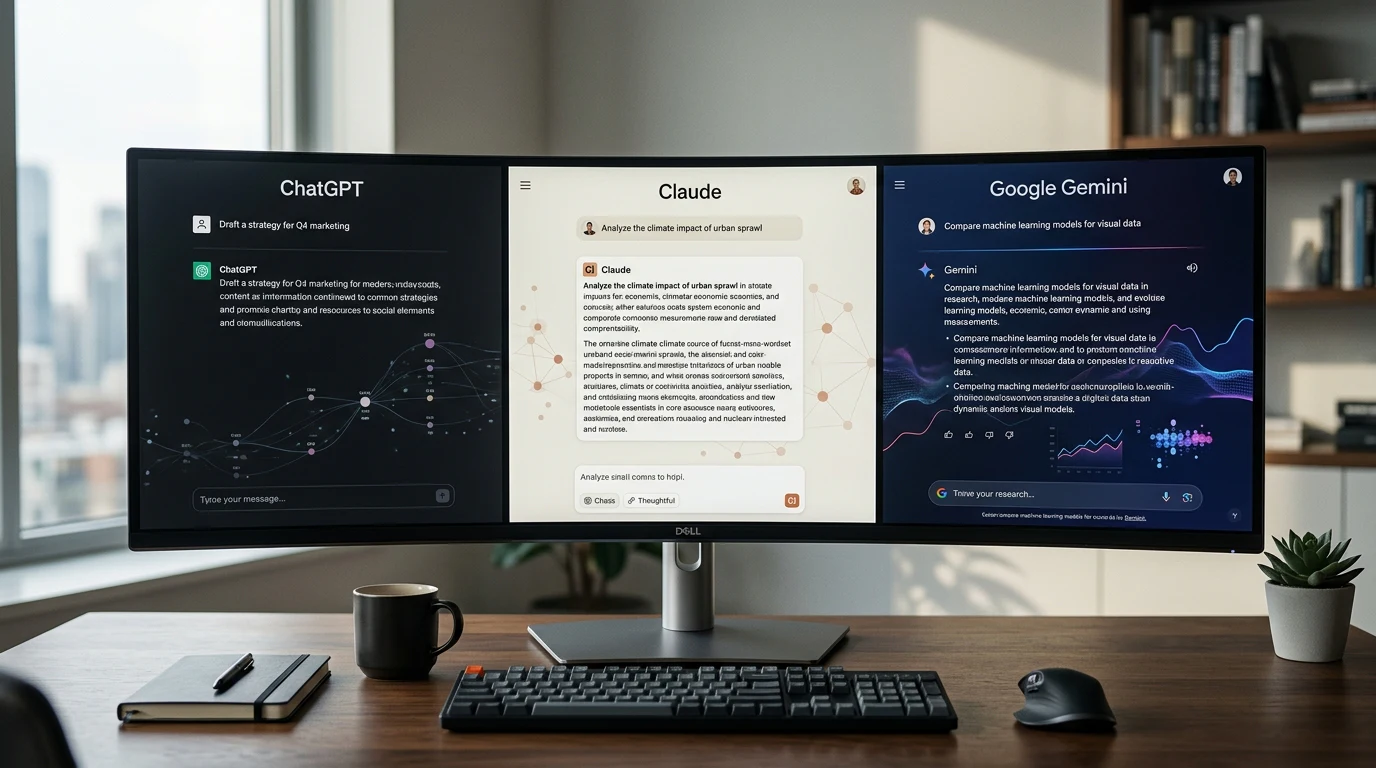
- 🏆 Best Overall: ChatGPT — the most versatile all-rounder for general use
- ✍️ Best for Writing: Claude — stronger structure, tone, and nuance in long-form content
- 💻 Best for Coding: Claude — consistently strong at multi-file, complex coding tasks
- 🏢 Best for Business: Gemini — deepest Google Workspace integration for teams
- 💰 Best Free AI: Claude — most usable free tier for serious work
- 🔍 Best Research Assistant: Gemini — real-time information access and source grounding
- 🖼️ Best Multimodal AI: ChatGPT — strongest combined text, image, and voice experience
- 📊 Best Google Workspace Integration: Gemini — built directly into Gmail, Docs, and Sheets
- 🧠 Best Reasoning: Claude — most consistent on complex, multi-step logic
- 💵 Best Value for Money: Gemini — generous free tier plus Workspace bundling
Key Takeaways
- ChatGPT remains the most versatile, broadly capable assistant, with the deepest plugin and ecosystem support.
- Claude consistently produces stronger long-form writing and more careful reasoning on complex tasks.
- Gemini’s biggest advantage is integration — if you live in Google Workspace, it’s genuinely hard to beat.
- No single assistant wins every category; the right choice depends on your specific workflow, not brand loyalty.
- All three assistants still make mistakes and require human review — none of them are “set and forget” tools.
- Many professionals in 2026 use two assistants side by side rather than committing to just one.
What Has Changed in 2026?
All three assistants have matured considerably since the early days of simple chatbot interfaces, and the gap between them has narrowed in some areas while widening in others.
ChatGPT has doubled down on being an everything-app — voice mode, native image generation, memory across conversations, and a large ecosystem of custom GPTs built by third parties. The strategy is breadth: cover as many use cases as possible inside one interface.
Claude has taken a more focused path, investing heavily in longer context windows, more careful reasoning, and features like Artifacts and Projects that make it genuinely useful for structured, ongoing work rather than one-off chats. Anthropic’s positioning has consistently emphasized reliability and safety over flashy features.
Gemini’s biggest shift has been integration depth. Rather than trying to be a standalone destination, Google has woven Gemini directly into Gmail, Docs, Sheets, and Search, betting that most people would rather have AI show up inside tools they already use than open a separate app.
Underneath these product decisions, all three companies have also made real gains in reducing hallucinations and improving multi-step reasoning — the kind of errors that made early chatbot output feel unreliable for anything beyond casual use. That said, “improved” doesn’t mean “solved.” Every assistant in this comparison still occasionally states incorrect information with total confidence, which is exactly why verification habits matter more than picking the “smartest” model.
Context windows — how much text an assistant can consider at once — have also expanded significantly across the board, making it realistic to upload entire reports, codebases, or research papers rather than working in small, disconnected chunks. That shift alone has changed how professionals use these tools day to day, moving from quick one-off questions toward sustained, project-based work.
Editor’s Tip: The “best” assistant in 2026 has less to do with which model is technically smartest in a vacuum, and much more to do with which one fits into how you already work.
Meet the Competitors

ChatGPT (OpenAI)
ChatGPT remains the most recognized AI assistant on the market, and for good reason — it was first to mainstream adoption and has maintained the broadest feature set since. It’s the default choice for people who want one tool that can plausibly handle almost anything.
Claude (Anthropic)
Claude has built a strong reputation among professionals who need careful, structured output — writers, analysts, and developers working on genuinely complex problems. It’s less flashy than its competitors but consistently earns praise for output quality over quantity of features.
Gemini (Google)
Gemini’s advantage isn’t a single killer feature — it’s ubiquity. If you use Gmail, Docs, or Android, Gemini is likely already sitting inside tools you open every day, which changes the calculus of “should I use this” entirely.
Feature Comparison Table

| Feature | ChatGPT | Claude | Gemini |
|---|---|---|---|
| Reasoning | Strong | Excellent | Strong |
| Writing Quality | Strong, versatile | Excellent, nuanced | Good, occasionally inconsistent |
| Coding | Strong | Excellent | Good |
| Research | Good | Good | Excellent (real-time) |
| Accuracy | Strong | Strong | Strong |
| Hallucination Resistance | Good | Very good | Good |
| Speed | Fast | Fast | Very fast |
| Image Generation | Native, strong | Not native | Native, strong |
| Voice Mode | Excellent | Limited | Good |
| Memory | Strong (cross-chat) | Project-based | Contextual |
| Context Window | Large | Very large | Large |
| File Uploads | Yes | Yes | Yes |
| PDF Analysis | Strong | Excellent | Strong |
| Internet Access | Yes | Yes | Yes (deepest integration) |
| Mobile Apps | Yes | Yes | Yes |
| Desktop Apps | Yes | Yes | Via Workspace |
| API | Yes | Yes | Yes |
| Custom GPTs / Projects | Custom GPTs | Projects | Gems |
| Workspace Integration | Limited | Limited | Excellent |
| Automation | Growing | Limited | Strong (Workspace-native) |
| Enterprise Features | Strong | Strong | Excellent |
| Privacy | Standard | Strong emphasis | Standard |
| Starting Price | Free; Plus ~$20/mo | Free; Pro ~$20/mo | Free; paid ~$20/mo |
| Overall Rating | 4.7/5 | 4.8/5 | 4.5/5 |
ChatGPT Review
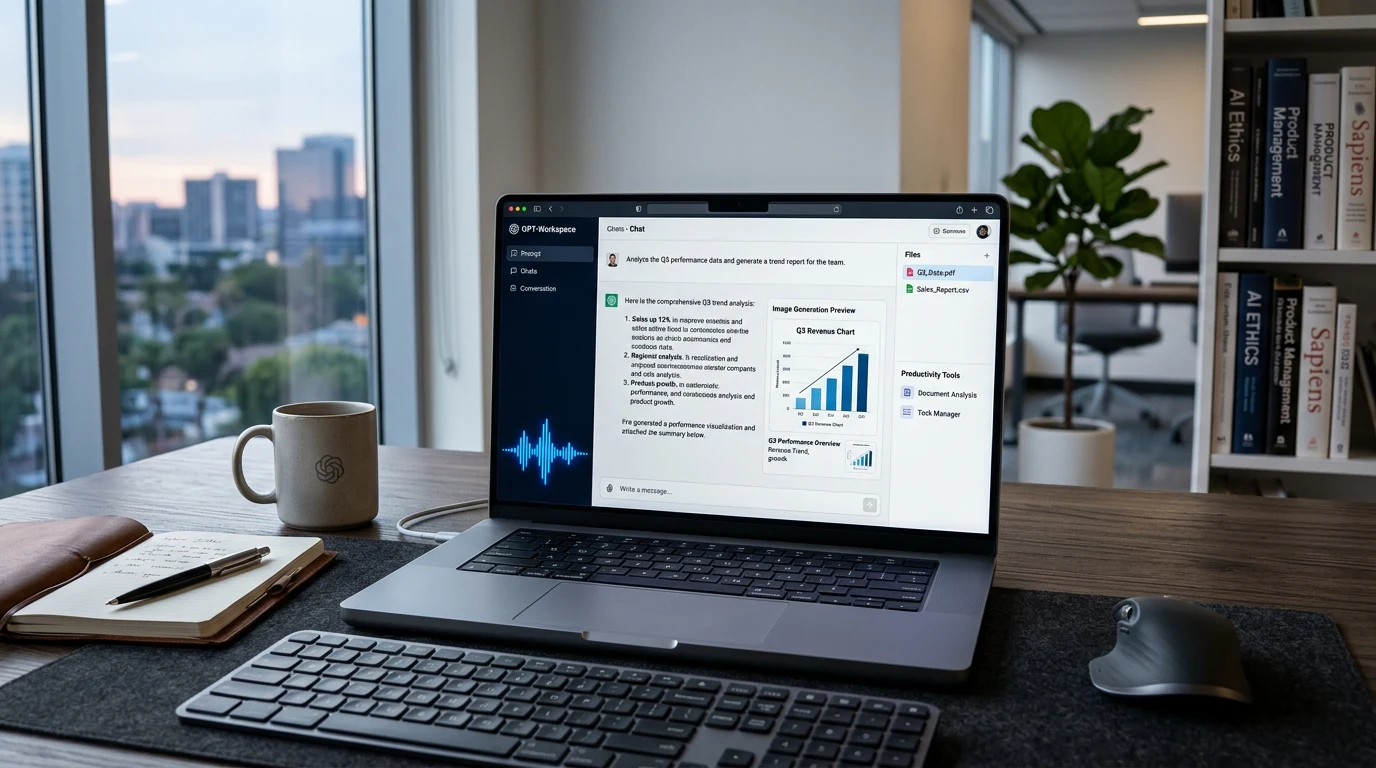
Overview: ChatGPT is OpenAI’s flagship assistant and remains the most broadly capable general-purpose AI on the market, with native image generation, voice mode, and a huge third-party ecosystem.
Strengths:
- Extremely versatile across nearly every use case
- Strong voice mode for hands-free interaction
- Massive plugin and Custom GPT ecosystem
- Native, capable image generation
Weaknesses:
- Can produce generic output without careful prompting
- Workspace-style integration lags behind Gemini
- Free tier is more limited than Claude’s for serious daily use
Best For: Everyday general use, content brainstorming, quick research, and multimodal tasks combining text, image, and voice.
Pricing: Free; Plus from ~$20/month; Team and Enterprise tiers available.
Editor’s Verdict: ChatGPT earns its reputation as the safest default pick — it’s rarely the single best tool for any one specialized task, but it’s consistently good at nearly everything.
Claude Review

Overview: Claude is Anthropic’s assistant, built with a clear focus on careful reasoning, long-form writing quality, and structured, ongoing work through features like Projects and Artifacts.
Strengths:
- Exceptional long-form writing and editing quality
- Strong, consistent reasoning on complex, multi-step problems
- Large context window for working with lengthy documents
- Genuinely useful free tier
Weaknesses:
- No native image generation
- Smaller third-party plugin ecosystem than ChatGPT
- Voice mode less developed than competitors
Best For: Writers, analysts, developers working on complex codebases, and anyone producing detailed business or research documents.
Pricing: Free; Pro from ~$20/month; Team and Enterprise tiers available.
Editor’s Verdict: If your work is writing- or reasoning-heavy, Claude is our top recommendation in this entire comparison — it consistently requires less editing to reach a finished, professional result.
Gemini Review
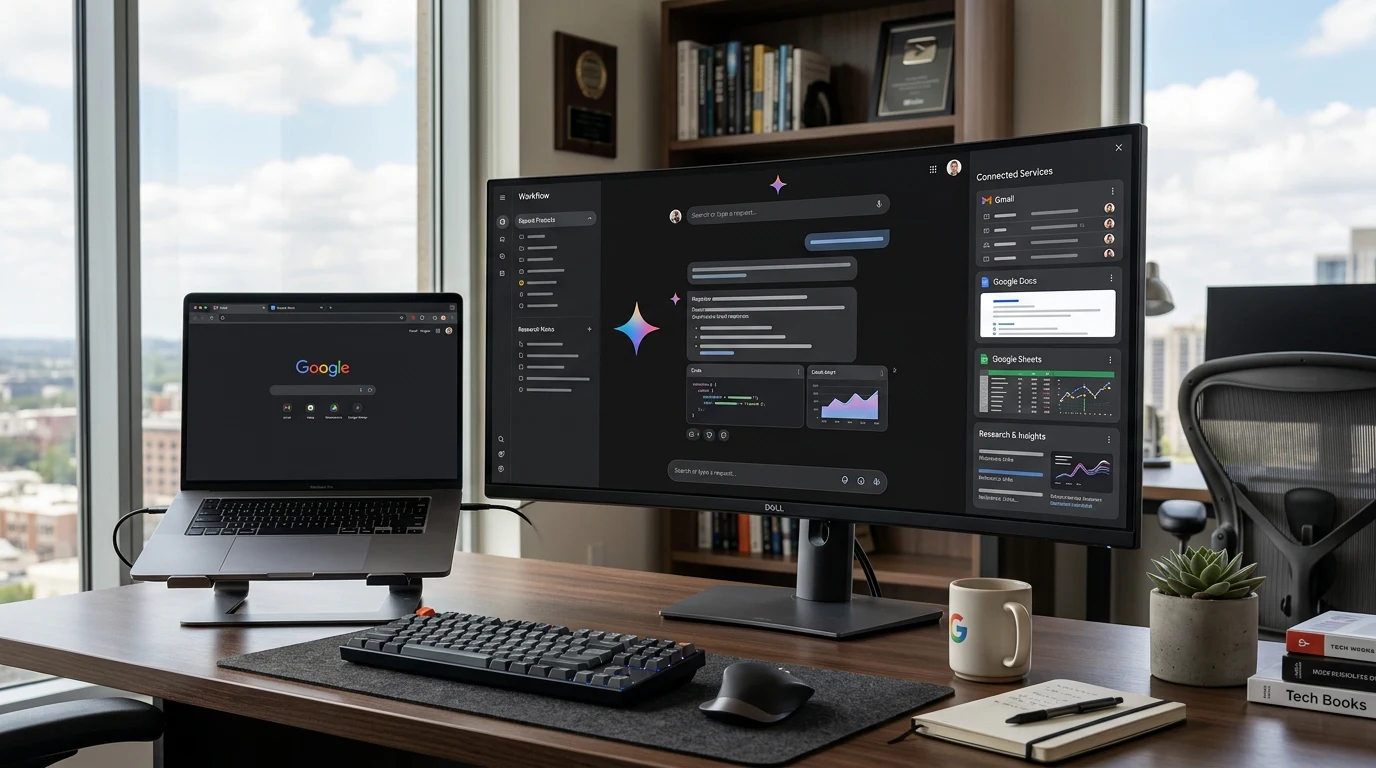
Overview: Gemini is Google’s AI assistant, distinguished less by any single standout feature and more by how deeply it’s woven into Gmail, Docs, Sheets, and the broader Google ecosystem.
Strengths:
- Deepest integration with Google Workspace of any assistant
- Strong real-time research and information access
- Fast response times
- Generous free tier bundled with existing Google accounts
Weaknesses:
- Writing output can be less consistent in tone and nuance than Claude
- Less developed third-party ecosystem outside Google’s own products
- Reasoning on very complex, multi-step tasks trails Claude somewhat
Best For: Google Workspace users, teams needing built-in collaboration, and anyone prioritizing research grounded in current information.
Pricing: Free; paid plans from ~$20/month, often bundled with Google One or Workspace subscriptions.
Editor’s Verdict: Gemini’s value proposition isn’t “smartest model” — it’s “already there.” For Workspace-heavy teams, that convenience alone can outweigh a small gap in raw output quality.
Head-to-Head Comparisons
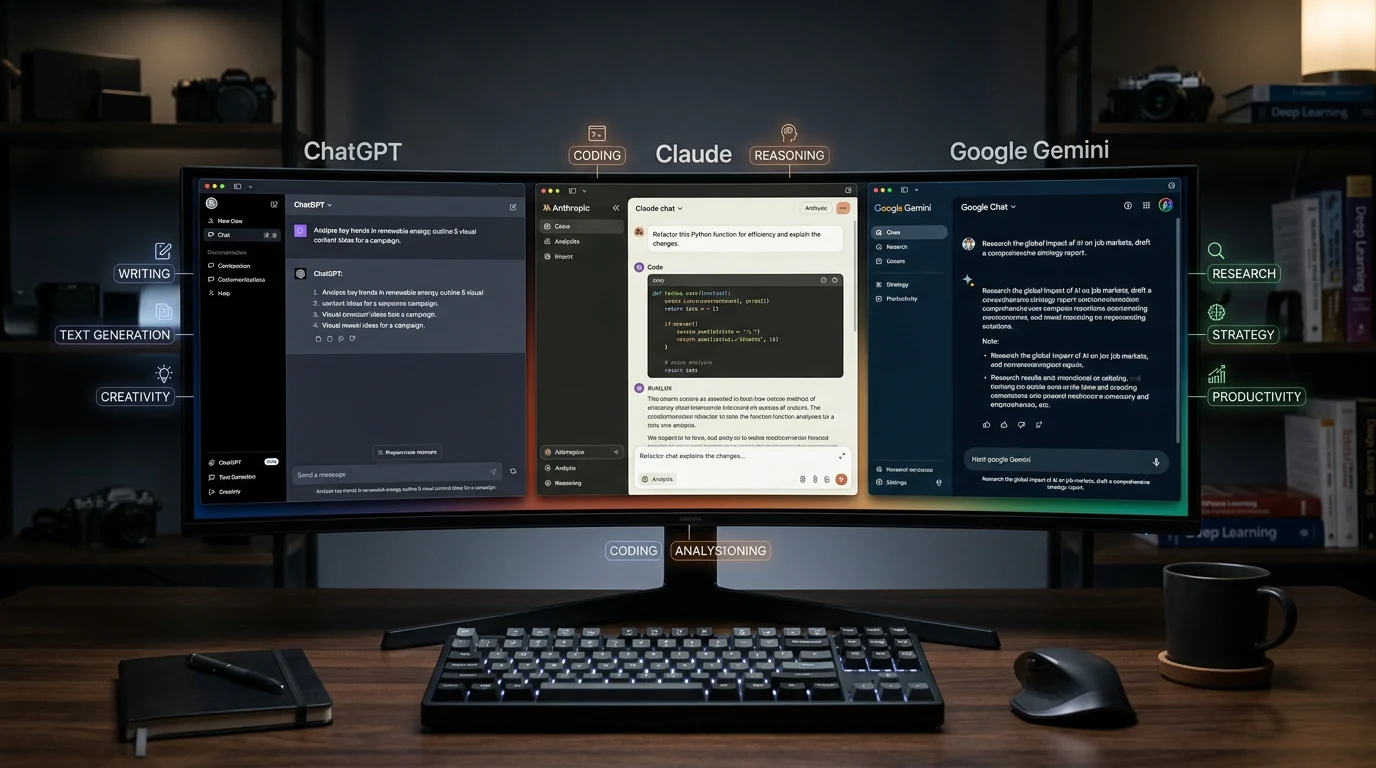
ChatGPT vs Claude
| Category | Winner | Why |
|---|---|---|
| Writing quality | Claude | More natural structure and tone with less editing needed |
| Versatility | ChatGPT | Broader plugin ecosystem and multimodal features |
| Coding | Claude | Stronger on complex, multi-file coding tasks |
| Voice interaction | ChatGPT | More developed, natural voice mode |
| Free tier value | Claude | More usable capability without hitting a paywall |
Verdict: Choose ChatGPT if you want one flexible tool for everything. Choose Claude if writing and coding quality matter more to you than breadth of features.
ChatGPT vs Gemini
| Category | Winner | Why |
|---|---|---|
| General versatility | ChatGPT | Broader ecosystem and multimodal capability |
| Workspace integration | Gemini | Built directly into Gmail, Docs, and Sheets |
| Research | Gemini | Deeper real-time information access |
| Image generation | Tie | Both offer strong, comparable native image generation |
| Speed | Gemini | Generally faster response times |
Verdict: Choose ChatGPT for standalone flexibility. Choose Gemini if your daily work already happens inside Google’s ecosystem.
Claude vs Gemini
| Category | Winner | Why |
|---|---|---|
| Writing quality | Claude | More nuanced, professional tone |
| Reasoning | Claude | More consistent on complex, multi-step logic |
| Research | Gemini | Stronger real-time information grounding |
| Workspace integration | Gemini | No comparable integration exists for Claude |
| Free tier | Claude | More capable free usage for serious tasks |
Verdict: Choose Claude for writing- and reasoning-heavy work. Choose Gemini if integration with Google’s ecosystem and live research matter more to your workflow.
Which AI Wins For…
[Workflow Illustration]
| Use Case | Winner | Why |
|---|---|---|
| Writing | Claude | Strongest structure, tone, and editing quality |
| Programming | Claude | Best at complex, multi-file coding tasks |
| Research | Gemini | Real-time information access and grounding |
| Business | Gemini | Workspace integration streamlines team workflows |
| Students | ChatGPT | Broad, approachable explanations across subjects |
| Content Creation | ChatGPT | Multimodal support covers text, image, and voice |
| Marketing | ChatGPT | Strong at brainstorming and varied campaign copy |
| SEO | Claude | More structured, less generic-sounding long-form content |
| Automation | Gemini | Native Workspace automation capability |
| Image Generation | ChatGPT | Slight edge in following detailed creative instructions |
| Video Planning | ChatGPT | Strong at scripting and storyboarding workflows |
| Productivity | Gemini | Built directly into daily-use Workspace tools |
| Everyday Use | ChatGPT | Most broadly capable for varied, casual daily tasks |
Real-World Testing
[ChatGPT Dashboard] [Claude Workspace] [Gemini Interface]
We ran all three assistants through a set of identical, real-world prompts to see how they actually perform outside of marketing claims.
Writing an article: Claude produced the most polished, naturally structured draft with the least generic phrasing. ChatGPT’s draft was solid but leaned more formulaic. Gemini’s was accurate but occasionally repetitive in structure.
Debugging code: Claude handled a multi-file bug with the clearest explanation of the root cause and the most reliable fix on the first attempt. ChatGPT got there but needed a follow-up clarification. Gemini’s fix worked but its explanation was less thorough.
Summarizing a PDF: All three handled a straightforward summary well. Claude’s summary preserved more nuance from the original document, while Gemini’s was fastest to generate.
Brainstorming business ideas: ChatGPT generated the widest range of creative angles, while Claude’s suggestions were fewer but more thoroughly reasoned through. Gemini leaned toward more conventional, safer ideas.
Travel planning: Gemini pulled in the most current, relevant information thanks to its research integration, while ChatGPT and Claude both required more manual verification of time-sensitive details like pricing.
Email writing: All three performed well, with Claude producing the most natural, professional tone and ChatGPT offering the most stylistic variety across drafts.
Research tasks: Gemini’s real-time grounding gave it a clear edge for anything requiring current information, while Claude and ChatGPT were stronger for synthesizing and explaining existing knowledge.
Data analysis: Claude handled structured data reasoning most reliably, walking through its logic clearly, while ChatGPT and Gemini both performed adequately but with occasional gaps in explaining their reasoning.
Creative storytelling: ChatGPT and Claude were closely matched, with ChatGPT slightly more playful and Claude slightly more literary in tone; Gemini’s creative writing felt comparatively more restrained.
Summarizing a long meeting transcript: Claude handled the longest transcript most gracefully, preserving key decisions and action items without losing track of who said what. ChatGPT’s summary was accurate but occasionally merged similar points together. Gemini’s version was fast and serviceable, though slightly less detailed on nuance.
Comparing two competing products for a purchase decision: Gemini pulled in the most current pricing and review information thanks to its live web access, giving it a practical edge for anything time-sensitive. Claude and ChatGPT both produced thoughtful comparisons but leaned more on general knowledge that occasionally needed a manual check against current listings.
Editor’s Tip: If a task is genuinely important, don’t rely on a single assistant’s output. Running the same task through two different tools and comparing results takes an extra minute and consistently catches errors either one might miss alone.
Pricing Comparison
Free Plans: All three offer usable free tiers, though Claude’s free tier tends to go furthest for serious writing and reasoning tasks before hitting limits, while ChatGPT’s free tier is more limited on daily usage caps.
Paid Plans: All three price their primary paid tier around $20/month, offering expanded usage limits, priority access, and additional features like larger file uploads and extended context windows.
Enterprise Options: ChatGPT and Claude both offer Team and Enterprise tiers with admin controls, higher usage limits, and stronger data handling guarantees. Gemini’s enterprise value is often realized through existing Google Workspace subscriptions rather than a standalone enterprise product.
Value for Money: Gemini offers the strongest value if you’re already paying for Google Workspace, since AI features arrive bundled rather than as a separate cost. For standalone use, Claude’s free tier delivers the most usable capability without paying anything.
It’s worth thinking about total cost realistically rather than just the headline $20/month figure. If you’re a freelancer billing clients, that cost is easily justified by even a small time savings each month. If you’re a student or casual user, it’s worth genuinely testing whether the free tier of any of these three meets your needs before paying for anything at all — for many people, it will.
Businesses evaluating a team-wide rollout should also factor in seat-based pricing, which can add up quickly across a larger staff. In those cases, negotiating an annual plan or starting with a smaller pilot group before a full rollout is a more sensible approach than committing every employee to a paid tier on day one.
Pros & Cons Table
| Assistant | Pros | Cons |
|---|---|---|
| ChatGPT | Extremely versatile; strong voice mode; huge ecosystem | Can feel generic without careful prompting; weaker Workspace integration |
| Claude | Best writing and reasoning quality; strong free tier | No native image generation; smaller plugin ecosystem |
| Gemini | Deepest Workspace integration; strong real-time research | Writing quality less consistent; reasoning trails Claude on complex tasks |
Common Mistakes
- Choosing based only on popularity. The most talked-about assistant isn’t automatically the best fit for your specific workflow — social media buzz tends to favor whichever tool shipped the flashiest recent feature, not necessarily the one that solves your actual problem best.
- Ignoring ecosystem integration. A technically excellent assistant that doesn’t fit your existing tools often gets used far less than one that does, simply because switching apps constantly breaks your workflow momentum.
- Paying too early. All three free tiers are capable enough to test real work before committing to a paid plan — spend at least a week with the free version doing your actual tasks before upgrading.
- Using one AI for every task. Many professionals get better results pairing Claude for writing and reasoning with Gemini for research, rather than forcing one tool to do everything reasonably well instead of two tools doing specific things excellently.
- Trusting output without verification. All three assistants can produce confidently wrong answers — treat every factual claim as something to double-check, not something to publish blindly, especially for anything involving statistics, dates, or current events.
- Overlooking data privacy policies. Business and enterprise tiers typically offer stronger data handling guarantees than free consumer tiers — don’t assume the free version of any assistant is safe for confidential client or company information.
Warning: Never assume an AI assistant’s confident tone reflects accuracy. All three models covered here are capable of stating incorrect information as though it were fact, particularly on niche topics or very recent events.
Future Outlook
[Final Recommendation]
The next phase for all three assistants is agentic behavior — moving from answering single prompts toward completing multi-step tasks with less supervision. Expect all three to keep expanding their ability to research, draft, check their own work, and take action across connected apps.
Multimodal capability will also keep converging, with text, image, voice, and video blending into single conversations rather than requiring separate tools. The competitive gap is less likely to be about “which model is smartest” and more about which assistant best fits into an increasingly automated, agent-driven workflow.
Expect competition to intensify around trust and verification features as well. As agentic tasks become more common, the ability to show its work — citing sources, flagging uncertainty, or explaining its reasoning step by step — will likely matter as much to buyers as raw output quality. The assistant that makes it easiest to verify what it produced, not just generate it quickly, may end up with the real long-term advantage.
Frequently Asked Questions
Which AI assistant is best overall in 2026? ChatGPT remains the most broadly versatile choice for general use, though Claude is often preferred for writing and reasoning-heavy work, and Gemini for Google Workspace integration.
Is Claude better than ChatGPT? For long-form writing, editing, and complex reasoning, Claude generally produces stronger results with less editing required. ChatGPT remains more versatile for multimodal and everyday casual use.
Is Gemini better than ChatGPT for research? Yes, generally. Gemini’s real-time information access and Google integration give it an edge for research tasks requiring current information.
Which AI is best for coding? Claude consistently performs well on complex, multi-file coding tasks, though ChatGPT and specialized coding tools remain strong alternatives depending on your specific workflow.
Which AI assistant has the best free plan? Claude’s free tier tends to offer the most usable capability for serious writing and reasoning tasks before hitting usage limits.
Is Gemini included with Google Workspace? Gemini’s AI features are increasingly bundled into Google Workspace subscriptions, making it a strong value option for existing Workspace users.
Which AI is best for business use? Gemini’s deep Workspace integration makes it the most convenient choice for teams already using Gmail, Docs, and Sheets daily.
Can I use more than one AI assistant? Yes, and many professionals do. A common approach is using Claude for writing and reasoning, Gemini for research, and ChatGPT for general, multimodal tasks.
Which AI is best for students? ChatGPT’s broad, approachable explanations across many subjects make it a strong general-purpose study companion, though Claude works well for longer, more detailed research papers.
Does ChatGPT or Claude hallucinate more? Both can produce confidently incorrect information, though Claude has generally shown somewhat stronger consistency on complex reasoning tasks. Neither should be trusted without independent verification on factual claims.
Which AI assistant is best for content creators? ChatGPT’s multimodal capabilities — combining text, image, and voice — make it particularly useful for creators producing varied content formats.
Is Gemini good for marketing? Gemini performs well for marketing tasks involving research and Workspace collaboration, though ChatGPT often edges ahead for creative brainstorming and varied campaign copy.
Which AI has the largest context window? Claude has generally offered one of the largest context windows among the three, making it well suited to working with lengthy documents and codebases.
Are ChatGPT, Claude, and Gemini safe for business data? All three offer business and enterprise tiers with stronger data handling commitments than their free consumer tiers, though policies vary and should be reviewed directly before uploading sensitive information.
Which AI assistant should complete beginners choose first? ChatGPT is generally the easiest starting point due to its broad capability and simple interface, though Claude’s free tier is worth testing early if your work leans toward writing or research.
Final Verdict
- 🏆 Best Overall: ChatGPT. Its combination of versatility, voice mode, and multimodal capability makes it the safest single choice if you only want one assistant.
- 🏆 Best Free AI: Claude. Its free tier delivers genuinely usable writing and reasoning capability without pushing you toward a paywall quickly.
- 🏆 Best for Writing: Claude. Consistently produces more natural, structured, and professional writing with less editing required.
- 🏆 Best for Coding: Claude. Handles complex, multi-file coding tasks with clearer explanations and more reliable fixes.
- 🏆 Best for Research: Gemini. Real-time information access and Google integration give it the strongest grounding for current information.
- 🏆 Best for Google Users: Gemini. Unmatched integration with Gmail, Docs, and Sheets makes it the natural choice for Workspace-heavy teams.
- 🏆 Best for Business: Gemini. Deep Workspace integration and enterprise bundling deliver strong practical value for teams.
- 🏆 Best Value: Gemini. Bundled AI features inside existing Google Workspace subscriptions are hard to beat on pure value.
Conclusion
There isn’t a single “best” AI assistant in 2026 — there’s a best assistant for what you’re actually trying to do. ChatGPT remains the safest all-around pick, Claude consistently wins on writing and reasoning quality, and Gemini’s integration advantage makes it the natural choice for Google-centric teams.
Rather than picking based on brand loyalty or whichever tool is trending this week, match the assistant to your actual workflow — and don’t be afraid to use more than one. A growing number of professionals in 2026 aren’t choosing a single “winner” at all; they’re building a small toolkit where each assistant handles what it does best.
For more on building out your AI toolkit, check out our guides on the best AI tools in 2026, our prompt engineering guide, AI business ideas, AI side hustles, our AI automation guide, and our dedicated ChatGPT, Claude, and Gemini tutorials for deeper, tool-specific guidance.