
Best AI Tools in 2026: The Top 12 Picks You Actually Need
Finding the best AI tools in 2026 shouldn’t require scrolling through fifty tabs and a dozen “ultimate list” articles that all recommend the same overhyped apps.
The AI tools market has exploded over the past few years, and most “best of” roundups respond by just listing more and more tools. That’s not helpful — it’s overwhelming. What entrepreneurs, freelancers, creators, developers, students, and small business owners actually need is a short, honest list of the tools that genuinely dominate their categories, with real pros, cons, and pricing.
That’s exactly what this guide delivers. Instead of 50 tools you’ll never use, we’ve narrowed the field down to the 12 best AI tools in 2026 — the ones with real staying power, strong adoption, and genuine day-to-day usefulness across writing, image and video generation, coding, productivity, automation, and voice.
We didn’t pick these tools based on hype cycles or social media buzz. Each one made this list because it holds a genuinely dominant position in its category, backed by real usage numbers, consistent product updates, and a track record of solving actual problems rather than just demoing well.
Whether you’re running a business, freelancing, studying, or building content, this guide will help you pick the right tool fast, without the noise.
Quick Answer Box

Short on time? Here are our top picks at a glance:
- 🏆 Best Overall: ChatGPT
- ✍️ Best for Writing: Claude
- 🎨 Best for Images: Midjourney
- 🎬 Best for Video: Runway
- 💻 Best for Coding: Cursor
- 💰 Best Free Tool: Claude
- 🏢 Best for Business: Notion AI + Zapier
What Are AI Tools?
AI tools are software applications powered by artificial intelligence — usually large language models or specialized generative systems — that help you write, design, code, organize, or automate tasks faster than doing them manually.
Rather than following rigid, pre-programmed rules, these tools understand context, generate original content, and adapt to what you’re asking for. That’s what separates a modern AI tool from older, simpler software automation.
Did You Know? Most of today’s leading AI tools — including ChatGPT, Claude, and Gemini — are built on top of “foundation models” that took hundreds of millions of dollars and years of research to train. The tool you use for $20 a month is standing on an enormous amount of underlying infrastructure.
Why AI Tools Matter in 2026
The best AI tools in 2026 aren’t a novelty anymore — they’re becoming baseline infrastructure for how people work.
- Productivity — Tasks that used to take hours, like drafting a report or designing a graphic, now take minutes.
- Cost savings — Small businesses can handle work that once required hiring a specialist, at least for first drafts and basic execution.
- Accessibility — Skills like writing, design, and coding are more approachable for total beginners than ever before.
- Scalability — A single freelancer or small team can now produce output that used to require a much larger staff.
Editor’s Tip: Don’t chase tools because they’re trending. Chase tools that solve a specific, recurring problem in your actual workflow. That distinction alone will save you more money and time than any single feature comparison.
Who Benefits Most From These Tools
Different audiences get value from different parts of this list. Entrepreneurs and small business owners typically lean on general assistants, automation, and design tools to replace tasks they’d otherwise have to hire out. Freelancers and content creators get the most mileage from writing, image, and video generation tools that let them serve more clients without adding hours to their day.
Developers benefit most from AI-native coding environments, while students and researchers tend to rely more heavily on general-purpose assistants for explanation and study support. Digital marketers typically combine several categories at once — writing, design, and automation — since campaign work touches all three.
Top AI Tools at a Glance
Before diving into full reviews, here’s a fast side-by-side look at how our top 12 picks compare.
| Tool | Best For | Free Plan | Starting Price | Rating |
|---|---|---|---|---|
| ChatGPT | General-purpose AI assistant | Yes | Free; Plus ~$20/mo | 4.7/5 |
| Claude | Long-form writing & analysis | Yes | Free; paid ~$20/mo | 4.8/5 |
| Gemini | Google Workspace integration | Yes | Free; paid ~$20/mo | 4.4/5 |
| Midjourney | High-quality AI image generation | No | From ~$10/mo | 4.7/5 |
| Runway | AI video generation & editing | Yes (limited) | Free; paid ~$15/mo | 4.5/5 |
| Cursor | AI-native code editor | Yes (limited) | Free; Pro ~$20/mo | 4.7/5 |
| Canva AI | Fast, beginner-friendly design | Yes | Free; Pro ~$13/mo | 4.7/5 |
| Jasper | Brand-voice marketing copy | No | From ~$39/mo | 4.3/5 |
| Zapier | No-code app automation | Yes (limited) | Free; paid ~$20+/mo | 4.5/5 |
| Notion AI | Notes, docs & task organization | Limited | Add-on ~$8–10/mo | 4.3/5 |
| ElevenLabs | Realistic AI voice generation | Yes | Free; paid ~$5/mo | 4.7/5 |
| Otter.ai | Meeting transcription & notes | Yes | Free; paid ~$10/mo | 4.5/5 |
Top 12 Best AI Tools in 2026
Here’s our full breakdown of each tool — what it does well, where it falls short, and who it’s genuinely right for.
Best AI Tool by Category
| Category | Winner |
|---|---|
| General AI Assistant | ChatGPT |
| Writing & Analysis | Claude |
| Image Generation | Midjourney |
| Video Generation | Runway |
| Coding | Cursor |
1. ChatGPT — 🏆 Best Overall

Overview: OpenAI’s flagship conversational AI remains the most widely used and versatile AI assistant on the market, useful for writing, research, brainstorming, and coding help.
Best For: General-purpose use across nearly any task.
Key Features:
- Web browsing and real-time information
- Native image generation
- Custom GPTs for specialized workflows
- Voice mode for hands-free use
Pros:
- Extremely versatile across tasks
- Huge plugin and integration ecosystem
- Strong general knowledge base
Cons:
- Can produce generic output without careful prompting
- Full capability requires the paid tier
Pricing: Free; Plus from ~$20/month.
Free Plan: Yes.
Our Rating: ⭐⭐⭐⭐⭐ 4.7/5
Best Alternative: Claude.
Editor’s Verdict: If you only use one AI tool, this is still the safest default in 2026 — it’s versatile enough to handle almost anything you throw at it.
Official Website: chatgpt.com
2. Claude — 💰 Best Free / Best for Writing
Overview: Anthropic’s AI assistant is known for exceptional long-form writing, careful reasoning, and a more thoughtful, structured tone than most competitors.
Best For: Long-form writing, business documents, and detailed editing.
Key Features:
- Long context windows for large documents
- Artifacts for building visual outputs
- Strong coding support
- Document analysis and summarization
Pros:
- Excellent for detailed writing and editing
- Strong reasoning on complex tasks
- Genuinely useful free tier
Cons:
- Smaller plugin ecosystem than ChatGPT
- No native image generation
Pricing: Free; paid plans from ~$20/month.
Free Plan: Yes.
Our Rating: ⭐⭐⭐⭐⭐ 4.8/5
Best Alternative: ChatGPT.
Editor’s Verdict: For anyone whose work revolves around writing — reports, articles, emails, editing — Claude is our top recommendation in this entire guide.
Official Website: claude.ai
Pro Tip: Try the same prompt in both ChatGPT and Claude before assuming one is “better.” They have genuinely different strengths, and many professionals keep both in rotation for different task types.
3. Gemini — Best for Google Workspace Users
Overview: Google’s AI assistant is tightly woven into Gmail, Docs, Sheets, and the broader Workspace ecosystem, making it a natural fit for existing Google users.
Best For: Users already embedded in Google Workspace.
Key Features:
- Deep Workspace integration
- Multimodal input (text, image, voice)
- Real-time information access
Pros:
- Seamless for Gmail/Docs/Sheets users
- Strong at research tasks
- Generous free tier
Cons:
- Output quality can be less consistent for creative writing tasks
Pricing: Free; paid plans from ~$20/month.
Free Plan: Yes.
Our Rating: ⭐⭐⭐⭐ 4.4/5
Best Alternative: ChatGPT.
Editor’s Verdict: If your day already revolves around Google Workspace, Gemini’s integration alone makes it worth using alongside — or instead of — a separate chatbot.
Official Website: gemini.google.com
4. Midjourney — 🎨 Best for Image Generation

Overview: Midjourney remains the most artistically capable AI image generator on the market, known for consistently striking, high-quality visual output.
Best For: Artists, designers, and creators wanting high-end artistic visuals.
Key Features:
- Advanced style tuning and blending
- High-resolution upscaling
- Strong community style resources
Pros:
- Exceptional artistic quality
- Strong community and style resources
Cons:
- No free tier
- Less intuitive for total beginners
Pricing: From ~$10/month.
Free Plan: No.
Our Rating: ⭐⭐⭐⭐⭐ 4.7/5
Best Alternative: Adobe Firefly (better for commercially safe, licensed work).
Editor’s Verdict: Nothing else on this list matches Midjourney’s visual quality — it’s worth the subscription if image quality genuinely matters for your work.
Official Website: midjourney.com
Warning: Always check a generated image’s licensing terms before using it commercially. Rules vary by subscription tier and by platform, so don’t assume every generated image is automatically cleared for business use.
5. Runway — 🎬 Best for AI Video
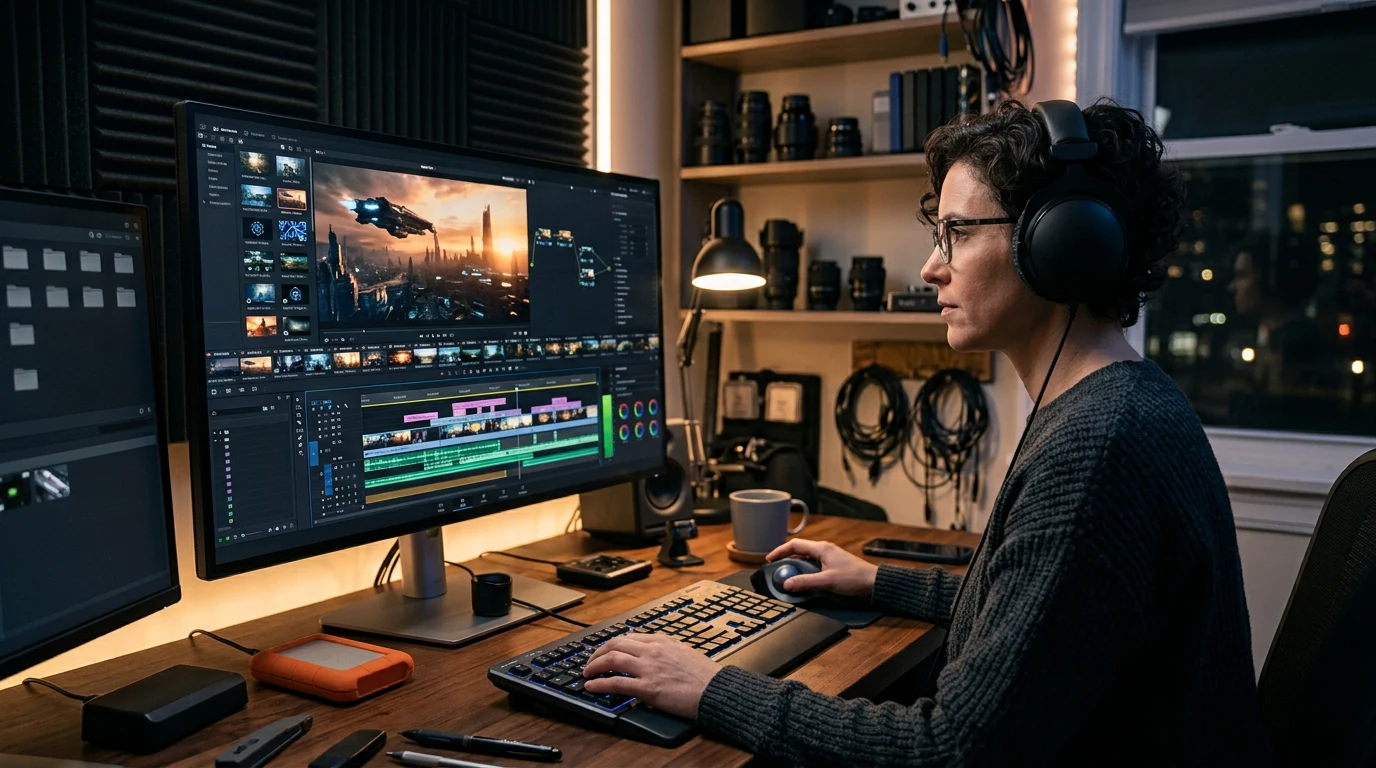
Overview: Runway is a leading AI video generation and editing platform, known for generative video, background removal, and creative video effects.
Best For: Creative video generation and advanced editing effects.
Key Features:
- Text-to-video generation
- AI green screen (no physical green screen needed)
- Motion brush and video-to-video style transfer
Pros:
- Cutting-edge generative video capability
- Strong creative control tools
Cons:
- Higher-end features require a paid plan
- Some learning curve for the full toolset
Pricing: Free (limited); paid plans from ~$15/month.
Free Plan: Yes (limited).
Our Rating: ⭐⭐⭐⭐⭐ 4.5/5
Best Alternative: Synthesia (better for AI avatar presenter-style videos).
Editor’s Verdict: For creative, generative video work, Runway is the most capable option available right now — just budget time to learn its deeper features.
Official Website: runwayml.com
6. Cursor — 💻 Best for Coding

Overview: Cursor is an AI-native code editor built around deep, conversational AI integration throughout the entire coding workflow, not just autocomplete.
Best For: Developers wanting a full AI-native coding environment.
Key Features:
- Codebase-aware chat
- Multi-file editing
- AI-driven refactoring
Pros:
- Feels purpose-built for AI-assisted development
- Strong at understanding full codebase context
Cons:
- Requires switching editors for developers attached to their current setup
Pricing: Free (limited); Pro from ~$20/month.
Free Plan: Yes (limited).
Our Rating: ⭐⭐⭐⭐⭐ 4.7/5
Best Alternative: GitHub Copilot (better if you want to keep your current editor).
Editor’s Verdict: Developers serious about AI-assisted coding in 2026 should give Cursor a real trial — it consistently outperforms bolt-on extensions for complex, multi-file work.
Official Website: cursor.com
7. Canva AI (Magic Studio) — Best for Beginners
Overview: Canva’s AI features, including Magic Write, Magic Design, and background removal, are built directly into its popular, beginner-friendly design platform.
Best For: Beginners and small businesses needing fast, professional-looking design.
Key Features:
- Text-to-design generation
- AI image editing and background removal
- Brand kit automation
Pros:
- Extremely accessible for non-designers
- Huge template library
Cons:
- Less specialized than dedicated tools for advanced, highly custom design work
Pricing: Free; Pro from ~$13/month.
Free Plan: Yes.
Our Rating: ⭐⭐⭐⭐⭐ 4.7/5
Best Alternative: Adobe Firefly.
Editor’s Verdict: If you’ve never designed anything before, Canva AI is the least intimidating and most immediately useful entry point on this entire list.
Official Website: canva.com
8. Jasper — Best for Marketing Teams
Overview: Jasper is a marketing-focused AI writing platform built for brand-consistent content at scale across larger teams.
Best For: Marketing teams needing consistent, on-brand copy at scale.
Key Features:
- Brand voice training
- Campaign-specific templates
- Team collaboration tools
Pros:
- Strong for maintaining consistent brand voice across a team
- Good template library
Cons:
- Pricier than general-purpose chat tools
- Steeper learning curve for the full feature set
Pricing: From ~$39/month.
Free Plan: No (trial available).
Our Rating: ⭐⭐⭐⭐ 4.3/5
Best Alternative: Copy.ai.
Editor’s Verdict: Solo creators can usually get by with ChatGPT or Claude, but larger marketing teams needing brand consistency across multiple writers will get real value from Jasper’s structure.
Official Website: jasper.ai
9. Zapier — Best for Automation

Overview: Zapier is a leading no-code automation platform connecting thousands of apps, with growing native AI capabilities layered on top.
Best For: Beginners automating simple, cross-app workflows.
Key Features:
- AI-powered “Zaps”
- App connections across thousands of tools
- Conditional logic branching
Pros:
- Enormous app integration library
- Relatively easy learning curve for beginners
Cons:
- Costs can climb quickly with complex, high-volume automations
Pricing: Free (limited); paid plans from ~$20+/month.
Free Plan: Yes (limited tasks).
Our Rating: ⭐⭐⭐⭐⭐ 4.5/5
Best Alternative: Make.com (better for complex, branching workflows).
Editor’s Verdict: For anyone automating their first workflow, Zapier’s gentle learning curve makes it the safer starting point over more powerful but more complex competitors.
Official Website: zapier.com
10. Notion AI — Best for Organization
Overview: Notion AI is an AI writing and organization assistant built directly into the popular Notion workspace app.
Best For: Notion users wanting AI-assisted notes and organization.
Key Features:
- AI-generated summaries
- Action item extraction from meeting notes
- In-line writing assistance
Pros:
- Seamless if you already use Notion
- Strong for turning meeting notes into organized action items
Cons:
- Requires a Notion subscription base to get full value
Pricing: Add-on pricing, roughly $8–$10/month on top of a Notion plan.
Free Plan: Limited trial usage.
Our Rating: ⭐⭐⭐⭐ 4.3/5
Best Alternative: ClickUp AI.
Editor’s Verdict: If your team already lives in Notion, this is one of the easiest AI upgrades to justify — it makes existing notes and docs meaningfully more useful.
Official Website: notion.com
11. ElevenLabs — Best for AI Voice
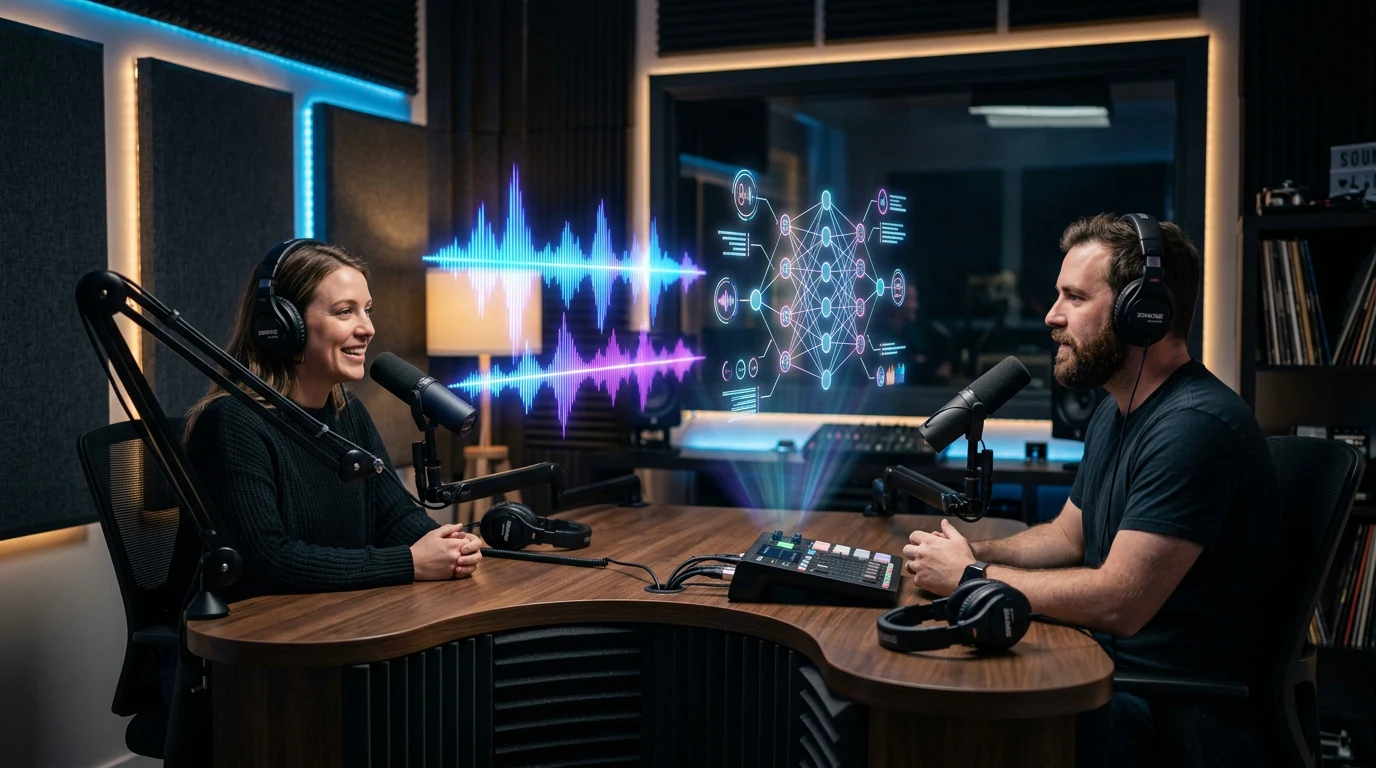
Overview: ElevenLabs is a leading AI voice generation platform known for highly realistic text-to-speech and voice cloning.
Best For: Realistic AI voiceover and narration work.
Key Features:
- Voice cloning
- Multilingual narration
- Emotion and tone control
Pros:
- Exceptionally realistic voice quality
- Strong for both narration and character voice work
Cons:
- Cloning another real person’s voice requires appropriate consent and disclosure
Pricing: Free (limited); paid plans from ~$5/month.
Free Plan: Yes.
Our Rating: ⭐⭐⭐⭐⭐ 4.7/5
Best Alternative: Murf (better for polished, professional business voiceover).
Editor’s Verdict: For anyone producing video, podcasts, or narration, ElevenLabs remains the clear category leader on realism.
Official Website: elevenlabs.io
12. Otter.ai — Best for Meetings
Overview: Otter.ai is a widely used AI meeting assistant that transcribes, summarizes, and extracts action items from calls automatically.
Best For: Teams wanting reliable, automated meeting notes.
Key Features:
- Live transcription
- Automated summaries
- Action item detection and calendar integration
Pros:
- Reliable transcription accuracy
- Strong integrations with Zoom, Google Meet, and Teams
Cons:
- Free tier has meaningful monthly transcription limits
Pricing: Free (limited); paid plans from ~$10/month.
Free Plan: Yes.
Our Rating: ⭐⭐⭐⭐⭐ 4.5/5
Best Alternative: Fireflies.ai.
Editor’s Verdict: If you’re tired of manually writing meeting notes, Otter.ai is the least painful way to fix that permanently.
Official Website: otter.ai
How to Choose the Right AI Tool
| Decision Factor | Ask Yourself |
|---|---|
| Task clarity | What specific, recurring task am I trying to solve? |
| Budget | Can I validate value on a free tier before paying? |
| Integration | Does it plug into tools I already use daily? |
| Learning curve | Will the time saved outweigh the time spent learning it? |
| Longevity | Is this tool actively maintained and improved? |
Choosing well from the best AI tools in 2026 comes down to matching a tool to a real, specific task rather than chasing whichever app is trending this month.
Start with the free tier of two or three relevant options, test them against actual work you need done this week, and let real performance — not marketing pages — make the final call.
A useful habit is running the exact same real task through two competing tools before deciding. If you’re comparing writing assistants, feed both the same rough draft and see which one requires less editing to get to a finished product. If you’re comparing coding tools, give both the same bug and see which resolves it with less back-and-forth. Real, side-by-side testing on your own work beats any review — including this one.
Editor’s Tip: If you’re only going to adopt one AI tool this year, pick a general-purpose assistant like ChatGPT or Claude first. It covers the widest range of tasks, and you can layer specialized tools on top once you know exactly what you need next.
Common Mistakes
- Buying a premium plan before testing the free tier. Most tools on this list offer enough free usage to validate fit before you spend anything — skipping this step is the single most common way people end up paying for a tool they barely use.
- Chasing every new tool that launches. Constant tool-switching wastes more time than it saves — depth with a few tools beats breadth across dozens, especially once you’ve found something that reliably works.
- Ignoring integration with your existing workflow. A powerful tool that doesn’t fit your existing systems often gets abandoned within weeks, no matter how capable it looks in a demo.
- Assuming the priciest option is automatically the best. Some free and low-cost tools genuinely outperform expensive competitors for specific tasks — price is a signal of positioning, not always of quality.
- Skipping human review of AI output. Every tool on this list still requires editing and judgment — treating output as final is a common source of embarrassing mistakes, from factual errors to off-brand tone.
- Not reassessing your stack periodically. This market moves fast enough that the best tool for a task in early 2026 may not hold that position by 2027 — a quick quarterly review of your tool stack is worth the time.
Warning: Never upload sensitive client or company data into an AI tool without first checking its data retention and privacy policy. Policies vary significantly between providers, and what’s acceptable for personal use may not meet your business’s compliance requirements.
Future of AI Tools
- AI agents capable of completing multi-step tasks independently — researching, drafting, and taking action across apps — are becoming more common and more reliable. Several tools on this list already offer early versions of this capability, letting you delegate a task rather than walking through it step by step.
- Multimodal AI is blending text, image, video, and voice into single platforms rather than requiring separate specialized tools for each format. Expect the line between “writing tool” and “design tool” to keep blurring as more platforms add cross-format capability.
- Enterprise AI adoption is shifting from experimenting with individual tools toward integrated, company-wide strategies with proper governance, security review, and custom-trained models built on internal data.
- Personal AI assistants are increasingly persisting across apps and context, remembering preferences and ongoing projects rather than starting fresh each session — a shift that should make switching between tools less repetitive over time.
None of this means the 12 tools in this guide will look identical a year from now. It does mean the categories they represent — general assistance, writing, image and video generation, coding, automation, and voice — are likely to remain the core building blocks of any solid AI toolkit for the foreseeable future.
Did You Know? Several of the tools in this guide, including ChatGPT and Claude, already support “agentic” features that let them complete multi-step tasks — like researching a topic and drafting a document — with minimal step-by-step supervision.
Frequently Asked Questions
What are the best AI tools in 2026? The best AI tools in 2026 include ChatGPT and Claude for general assistance, Midjourney for image generation, Runway for video, Cursor for coding, and Zapier for automation — each dominating its specific category.
What is the best free AI tool? Claude and ChatGPT both offer genuinely useful free tiers for general assistance, while Canva AI and ElevenLabs provide strong free options for design and voice generation respectively.
Which AI tool is best for writing? Claude is our top pick for long-form writing and detailed editing, while ChatGPT offers strong general-purpose versatility for shorter writing tasks.
What is the best AI tool for small businesses? Small businesses get the most value from a combination of ChatGPT or Claude for general tasks, Zapier for automation, Canva AI for design, and Notion AI for organization.
Is ChatGPT still the best AI tool in 2026? ChatGPT remains one of the most versatile AI tools due to its huge ecosystem and general capability, though Claude is frequently preferred for long-form writing and Gemini for Google Workspace users.
What is the best AI image generator? Midjourney is widely considered the strongest for artistic, high-quality image generation, particularly for creators and designers who prioritize visual quality.
What is the best AI coding assistant? Cursor stands out for developers wanting a full AI-native coding environment, while GitHub Copilot remains a strong choice for those who prefer to stay in their current editor.
Are AI tools free to use? Many of the tools in this guide, including ChatGPT, Claude, Gemini, Canva AI, and Zapier, offer a free tier with usage limits, though full functionality typically requires a paid subscription.
Can AI tools replace human employees? No — AI tools are best understood as productivity multipliers. They handle repetitive, time-consuming tasks well but still require human judgment and quality control.
What is the best AI tool for automation? Zapier is the most beginner-friendly automation platform thanks to its ease of use and enormous app library, making it the safest starting point for non-technical users.
How do I know which AI tool is right for me? Start by defining the specific, recurring task you need help with, then test the free tier of two or three relevant tools against that real task before committing financially.
What is the best AI voice generation tool? ElevenLabs is widely regarded as the most realistic AI voice generation tool available, particularly for narration and character voice work.
Key Takeaways
- The best AI tools in 2026 aren’t defined by hype — they’re defined by how well they solve a specific, recurring task in your actual workflow.
- A focused list of 12 dominant tools covers writing, images, video, coding, design, automation, organization, and voice — more than enough for most professionals.
- Free tiers make it possible to validate nearly every tool on this list before spending any money.
- Human review and judgment remain essential across every category; no tool here is a full replacement for oversight.
- Revisit your AI tool stack every few months, since this market evolves quickly enough that today’s best pick may shift.
Conclusion
The best AI tools in 2026 aren’t about collecting the biggest toolkit — they’re about picking a small number of genuinely dominant tools and using them well.
Start with a general-purpose assistant like ChatGPT or Claude, add one or two specialized tools that match your actual work, and resist the urge to chase every new release that crosses your feed.
If you’re ready to turn these tools into real income, check out our guides on how to make money with AI in 2026, the best AI side hustles, our AI freelancing guide, how to sell AI services online, the best AI business ideas, and our prompt engineering guide for practical next steps.